
To view invoice, balance and payment activity:
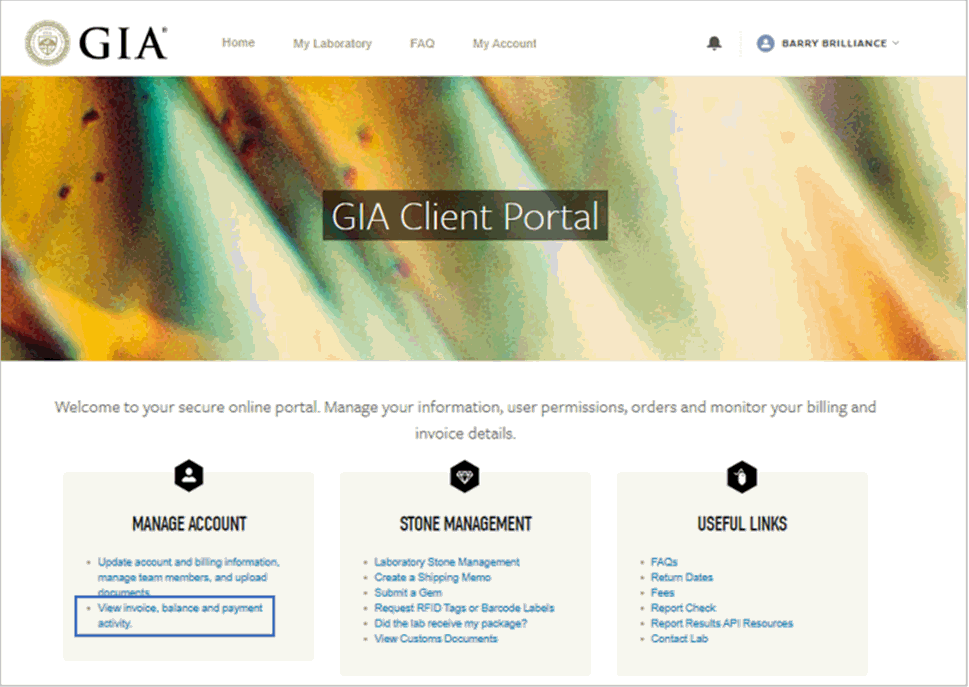
Log into the client portal
In the Manage Account section, click View Invoice, balance and payment activity
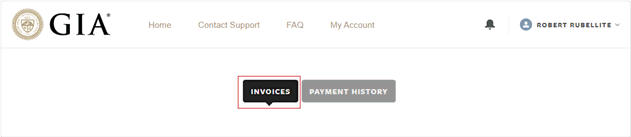
Click Invoices
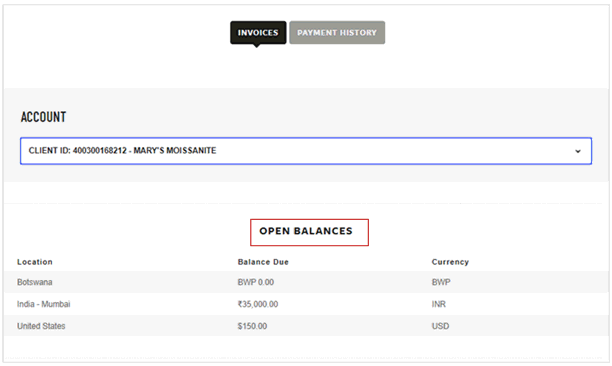
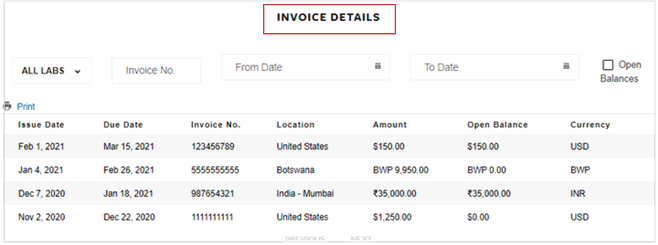
To view invoice numbers with open balances only, check the open balances box:
Please note: Print will print this page in the client portal, not the actual invoice that lists the line item details of the invoice.
