MANAGE RESULTS IN MY LABORATORY
If you would like to review results and add services prior to printing for stone at GIA using My Laboratory, change your Account Information settings in the Client Portal.
To change your account information settings:
- If you are not currently logged in, log into the client portal
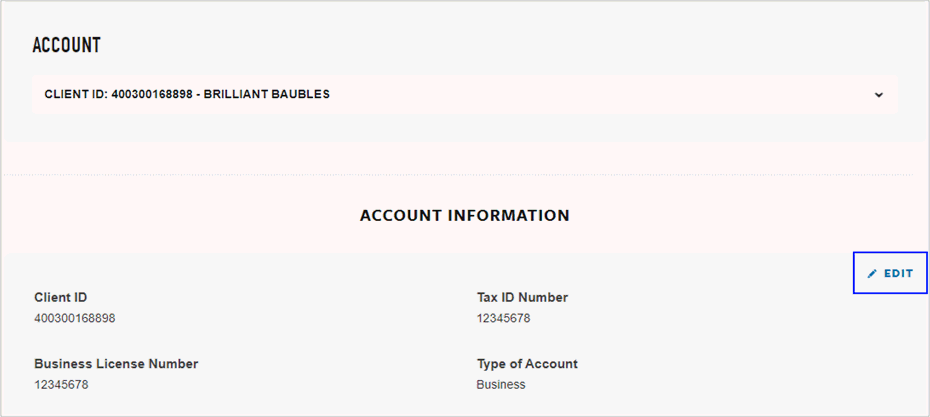
- In the GIA client portal under Manage Account, click Update account and billing information, manage team members, and upload documents
- Under Account Information, click
Edit
- Answer the questions below:
- Would you like results communicated prior to printing reports?
- Yes, your account will be set to self-managed, all print requests and additional services will be added and controlled by you. Please answer two additional questions:
- What method should be used to auto-send results?
- How would you like your results grouped?
- Click Save.
- No, your reports will auto print and be made ready for return, there is no need to take action. Click Save.