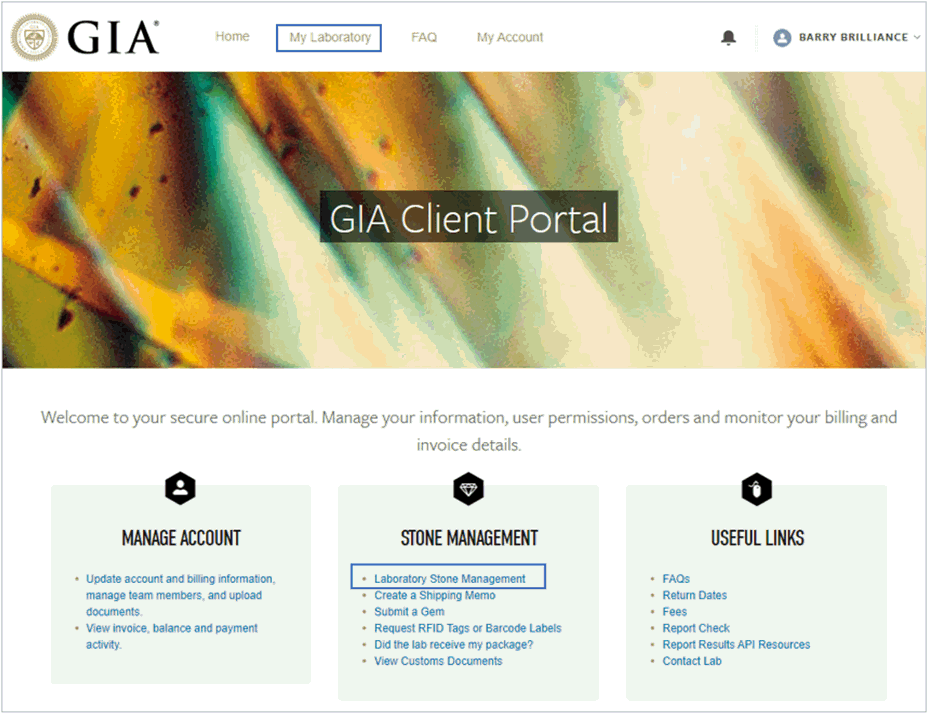
Once logged into the Client Portal, you can access My Laboratory two ways:
On the GIA Client Portal home page:
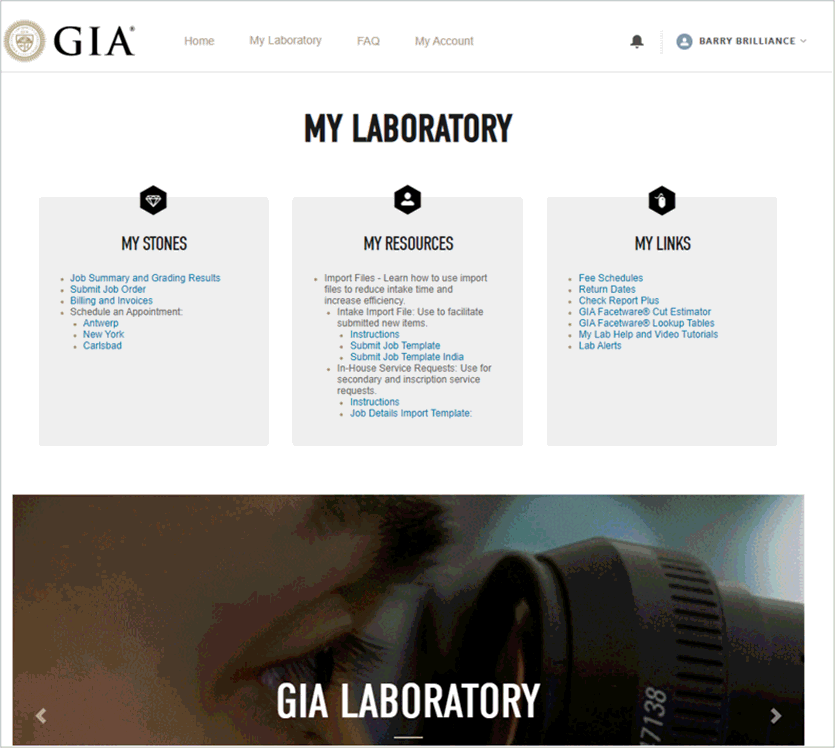
On the My Laboratory landing page, the following links are available under My Stones:
JOB STATUS AND GRADING RESULTS
SUBMIT JOB ORDER
BILLING AND INVOICES